← Back to TierBook
TierBook vs. Spreadsheets

Your sponsorship tracking spreadsheet worked, until it didn't

Excel and Google Sheets are the default starting point for sponsor tracking — free, flexible, familiar. They also break down fast: no booth reservation logic, assets scattered across email, no sponsor-facing portal, and the whole thing rebuilt from a saved template every event.

TierBook One system: packages, booths, fulfillment, portal
Spreadsheets Manual tracking, rebuilt every event
Booth double-bookings TierBook: prevented · Spreadsheets: manual check only
Feature by feature

TierBook vs. spreadsheets for sponsor operations

A spreadsheet can hold sponsor names and package prices. It can't hold reservation logic, a sponsor portal, or fulfillment status that updates itself.

What your team needs TierBook Excel / Sheets
Sponsor CRM & deal pipeline
Sponsorship packages tied to products & tiers
Orders, invoices & sponsor payments built in
Booth reservations without double-booking
Sponsor asset collection in one place Scattered across email
Fulfillment & deliverable tracking Manual, easy to miss
Passwordless sponsor-facing portal
One shared source of truth, no version conflicts Depends on file discipline
Reusable every event, no rebuilding
No software fees Flat subscription
Where spreadsheets fit

For a single small event, or drafting a package list before you're ready to run software, a spreadsheet is a perfectly reasonable first pass. It's the scaling part — more sponsors, more packages, more people touching the file — where it starts to cost more time than it saves.

Why sponsorship teams switch to TierBook

  • Booth reservation locking prevents double-booking a booth two sponsors both claimed
  • A sponsor self-serve portal instead of assets attached to email threads
  • Fulfillment status that updates automatically, not a column someone has to remember to edit
  • Package templates and JSON catalog import so you're not rebuilding from a saved copy every year
  • One shared system instead of whichever version of the file is newest
tierbook · invoices & payments
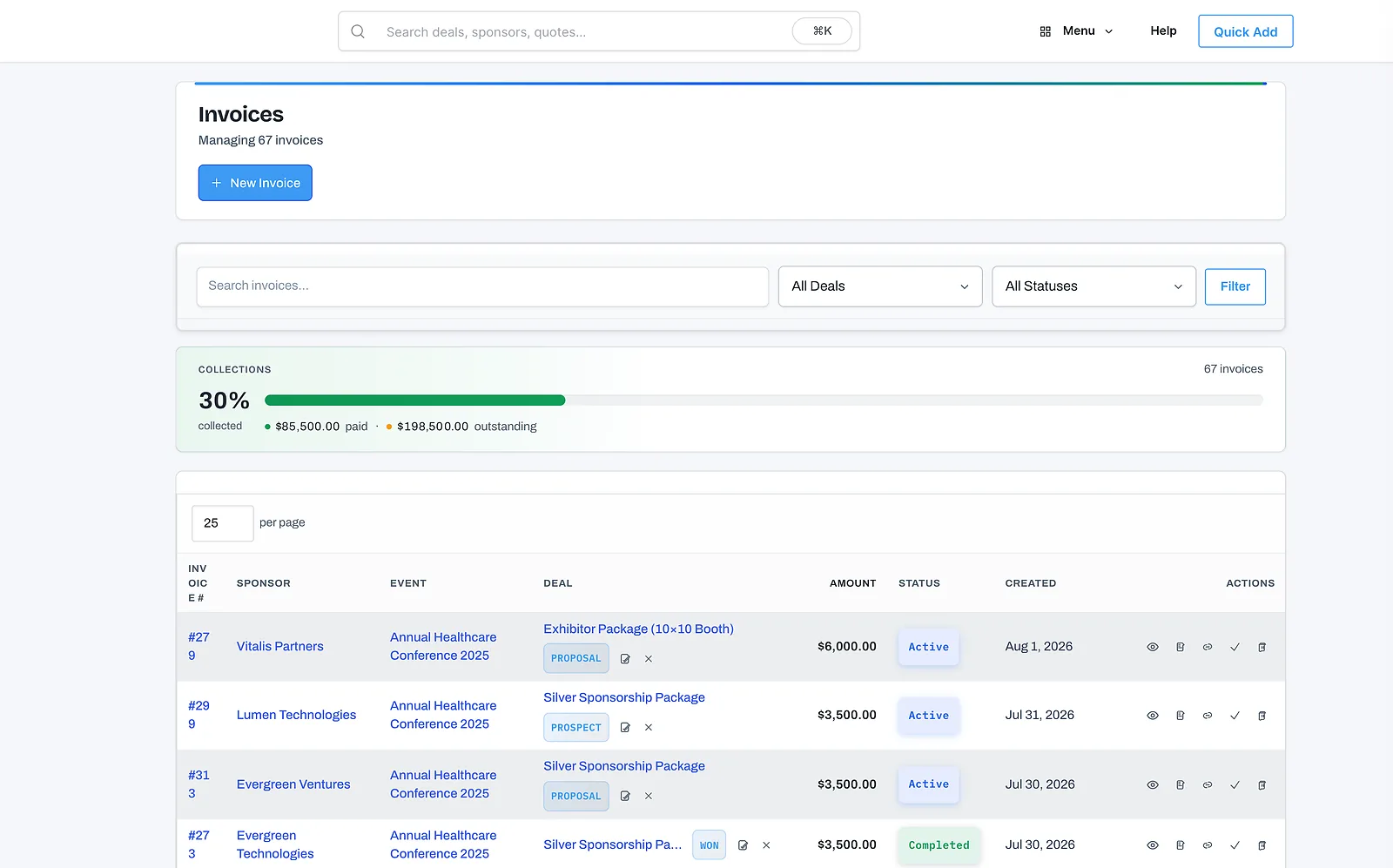
TierBook sponsorship invoices and payments screen
FAQ

Common questions

Is a spreadsheet enough to manage event sponsorships?

For a single small event, it can work. Most teams outgrow it once they're tracking multiple packages, booth assignments, sponsor assets, and fulfillment status across more than a handful of sponsors — that's when double-bookings, missed deliverables, and version conflicts start.

What breaks first when managing sponsors in Excel or Google Sheets?

Booth assignments are usually first: nothing stops two people from assigning the same booth to two sponsors. After that, sponsor assets scattered across email threads and no shared view of fulfillment status are the most common breaking points.

How do I move my sponsor spreadsheet into TierBook?

TierBook includes package templates and a JSON catalog import, so most teams move their existing sponsor and package data in within an afternoon rather than rebuilding it from scratch.

See it on your sponsorships

Stop managing sponsorships in spreadsheets.

See how TierBook turns sponsor packages into trackable deliverables, sponsor portals, booth assignments, and fulfillment reports.